Your public site and your office portal share one database. Content is edited once. Payments made by the public land on the right account without anybody reconciling anything.
On most shul websites the donate button belongs to the payment processor, not to the shul's records. The money arrives. The attribution does not.
A payment button on the website posts to Stripe, PayPal or a donation widget. That system knows an email address and an amount. It does not know your member numbers, your pledges, or that this $180 was meant for the Kol Nidre appeal.
The website has no payment system of its own. It writes to the same ledger the office works in, through an API built for exactly this. The payment is a transaction on your books from the instant it is approved.
Donation, sponsorship or ticket — no login required
Its own isolated service. Prices recomputed server-side.
The same transactions the office manages, attributed to a person
A statement email, an invoice, a "you owe $360" reminder. The link in it carries a signature that identifies the member — so before a card is even shown, the system knows exactly whose account this is. They pick what they want to pay, and it is applied to those pledges, oldest first.
A congregant's cousin donates $118 for a yahrzeit. A guest buys two Shabbaton tickets. Nobody logged in, and the office has never heard of them. The payment is recorded with the name, email and phone they entered, and shows in the Transactions tab flagged as unattached.
Attaching a guest does not just claim today's payment — it sweeps up every earlier unattached payment that used the same email, so their whole history arrives at once.
Matching is done on email and never on phone. A phone number is often shared across a household, and attaching money to the wrong person is worse than leaving it unattached.
A payment already attributed to someone is never moved. And if a contact already uses that email, it stops and points you at them — so you merge rather than create a duplicate.
There is a Website tab in the portal. What you type there is what the public sees — no separate CMS, no second password, no volunteer to email.
They are not typed in twice. A ticket price changed in Settings is changed on the website and at the checkout at the same moment, because there is only one of it.
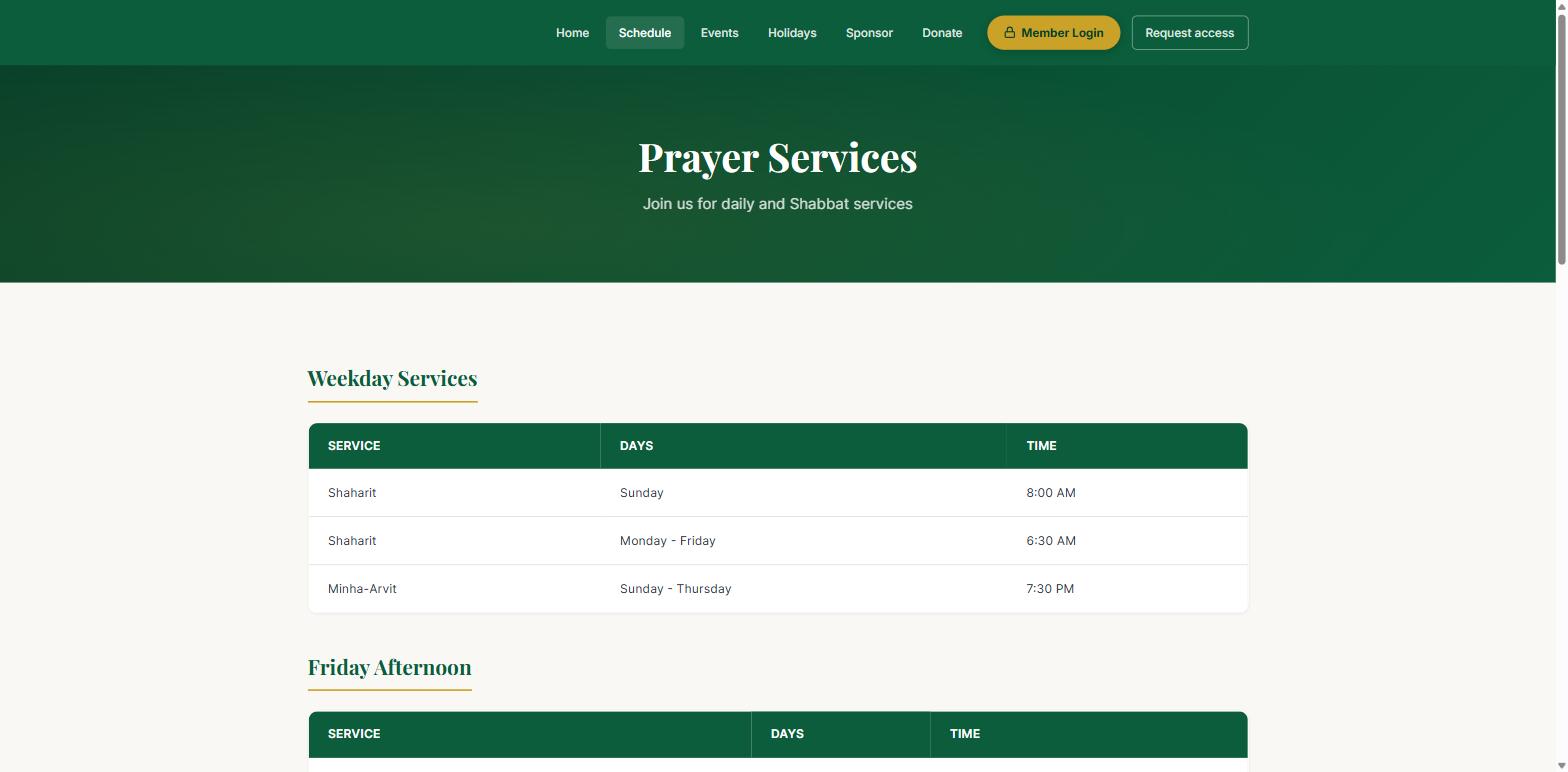
Prayer times on the demo congregation's site, served live from the portal — change them in Settings and this page changes.
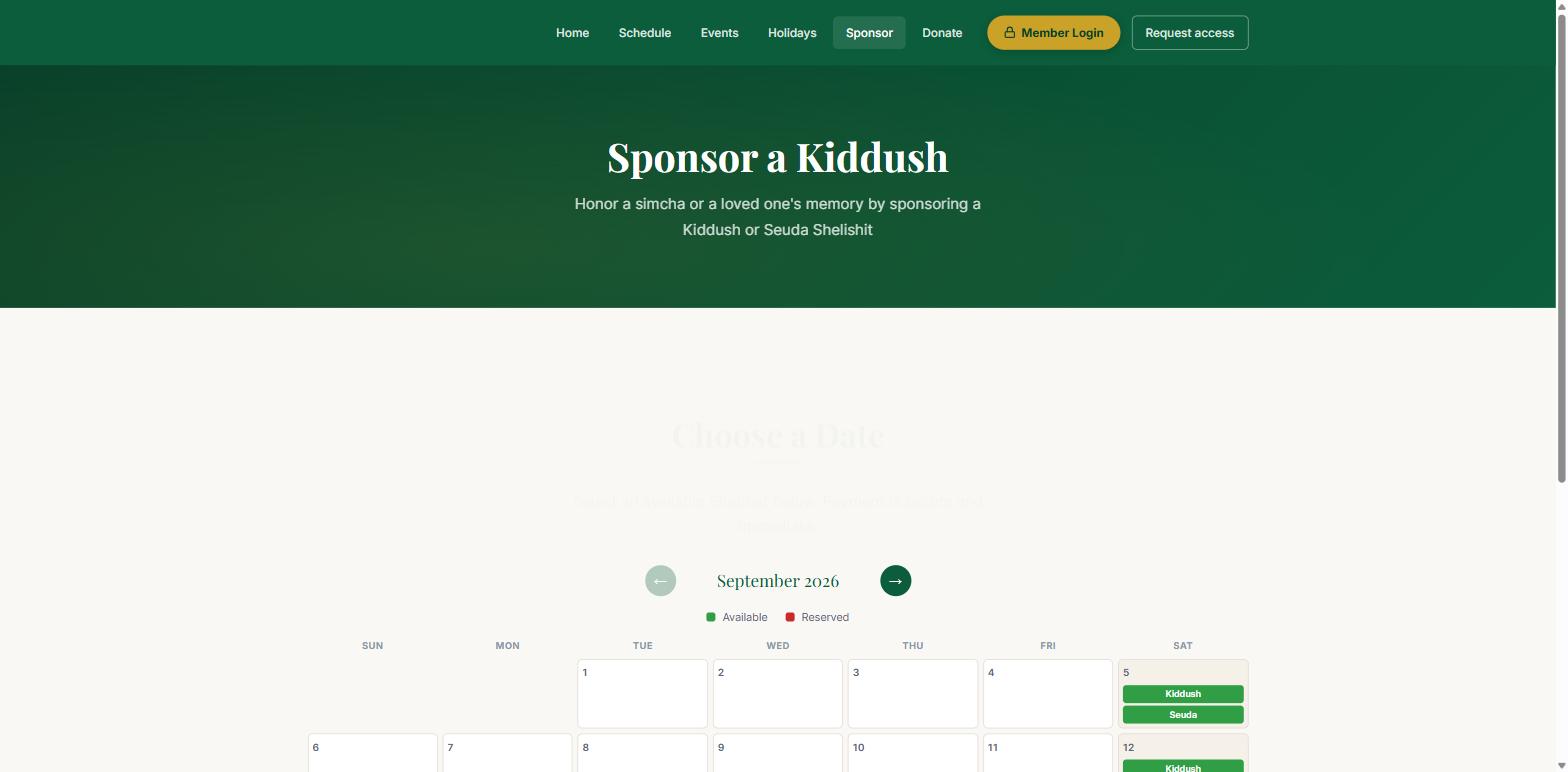
Genuinely open dates, worked out on the server at the moment the page loads.
Selling from a public page is where most systems get into trouble. Two people open the same Shabbat; both pay; one gets a refund and an apology.
The decision that makes all of this work — and the one that keeps it safe. Your website and your portal share the data. They do not share the way in.
Everything the office and your members use. Every request carries a signed token and is checked twice before it reaches any data.
A separate service with a deliberately tiny surface. It is the only thing an anonymous visitor can reach, and it cannot read a member record.
The usual shortcut is to let the website call the same API the portal uses, with a shared key embedded in the page. Anyone who views source then holds that key. Here, the anonymous website is architecturally incapable of reading a member's details or anyone's balance, because the service it talks to has no code that can do it.
Your congregation is not a tenant number in somebody's SaaS. Every surface a member or a visitor sees carries your name, your colours and your words — set by your office, in a Branding tab, without involving us.
A primary, a secondary and an accent colour, set in Settings. They are not decoration on one page — they propagate.
Uploaded once in the portal, and it appears everywhere it should — including the browser tab icon.
A display name and a legal name, used in the right places rather than one name jammed into all of them.
The sign-in screen works out which congregation it belongs to from the web address and themes itself before anyone types anything. A member arriving at your portal sees your logo and your colours on the very first screen — not ours, and not a generic one that changes once they are through.
Two congregations on this platform can share not one pixel. Below is our demo shul, Beth Knesset, which chose emerald and gold with a classical serif — nothing about it announces the software underneath.
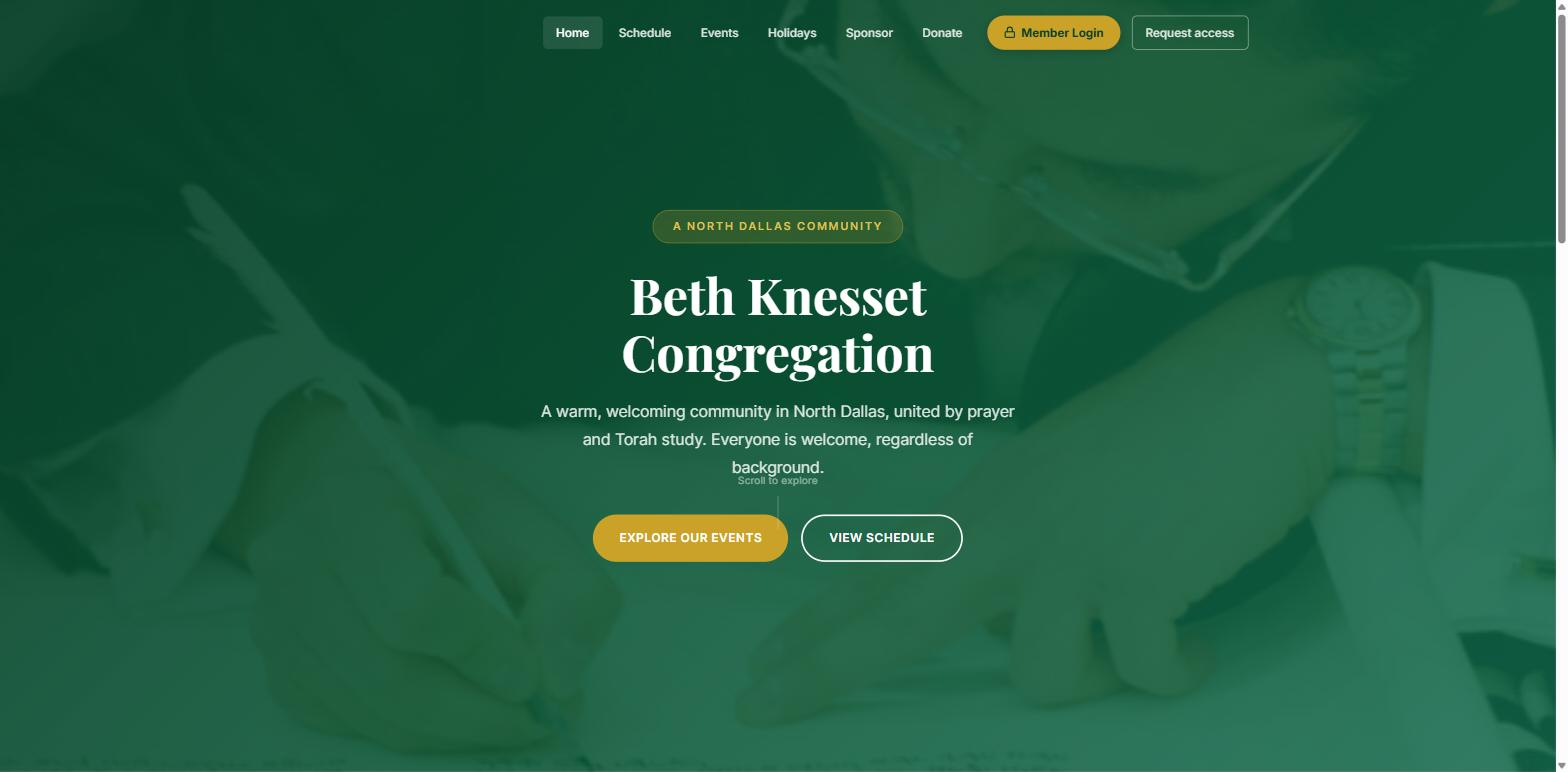
Beth Knesset's own identity — emerald and gold, classical serif, its own photography. Same platform as every other congregation on it.
There is no "powered by" badge, no watermark in the footer and no logo of ours on your statements. Your members deal with your shul.
Whether we build it or you already have one.
It keeps its design. We add the pieces that need to be live — a schedule that reads from the portal, a donate page, a sponsorship calendar, an events list — and point them at your congregation's content. Everything else on your site stays exactly as it is.
You get a complete site: home, schedule, classes, events, holidays, donate, sponsor and contact. Your colours, your logo, your photographs. Every content page is wired to the portal from day one, so it is never out of date.
Your own domain with a certificate that renews itself, served from a global CDN, on storage that is not publicly reachable. Clean addresses without .html on the end. Nothing for you to patch, renew or remember.
Bring us your current site and your last month of website payments. We will show you where each one would have landed.